Layout Components
Advanced layout components for better page structure and navigation in your Streamlit applications.
Sticky Header
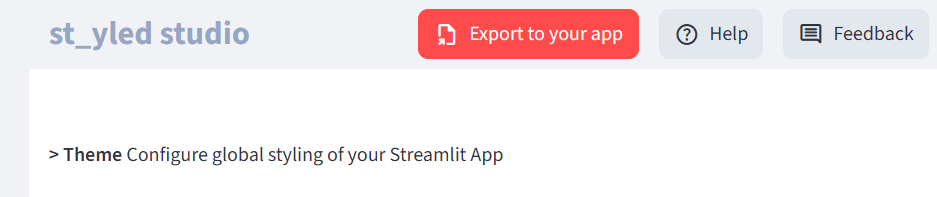
A header component that remains fixed at the top when scrolling.
Description
A header component that remains fixed at the top when scrolling. Can be used like a container for navigation bars, buttons or links.
Usage Pattern
Use this component when you need navigation, branding, or key actions to remain visible as users scroll through long pages. Ideal for dashboards, data exploration tools, or multi-section applications where persistent navigation improves user experience.
Basic Example
import st_yled

st_yled.init()

with st_yled.sticky_header(
    height="56px",
    background_color="#FFFFFF",
    vertical_alignment="center",
    horizontal_alignment="left",
    padding="0px 32px",
    gap="medium",
    key="sticky-header-1"
):
    st.title("My App")
    st.button("Menu")
Quick Start
Parameters
height(int | str): Header height (default: "56px")background_color(str, optional): Background colorvertical_alignment(str): Vertical alignment - "top", "center", or "bottom" (default: "center")horizontal_alignment(str): Horizontal alignment - "left", "center", or "right" (default: "left")padding(str): Inner padding (default: "0px 32px")gap(str): Gap between child elements - "small", "medium", or "large" (default: "small")key(str, optional): Unique key for the component
Usage Notes
The sticky header acts as a container - use it with a with statement to add content inside:
with st_yled.sticky_header():
    col1, col2, col3 = st.columns(3)
    with col1:
        st.button("Home")
    with col2:
        st.button("About")
    with col3:
        st.button("Contact")
Next Steps
Explore more component categories:
- Card Components - Beautiful card layouts
- Navigation Components - Routing and navigation
- Input Components - Enhanced input controls
st_yled with ❤️ from EVOBYTE